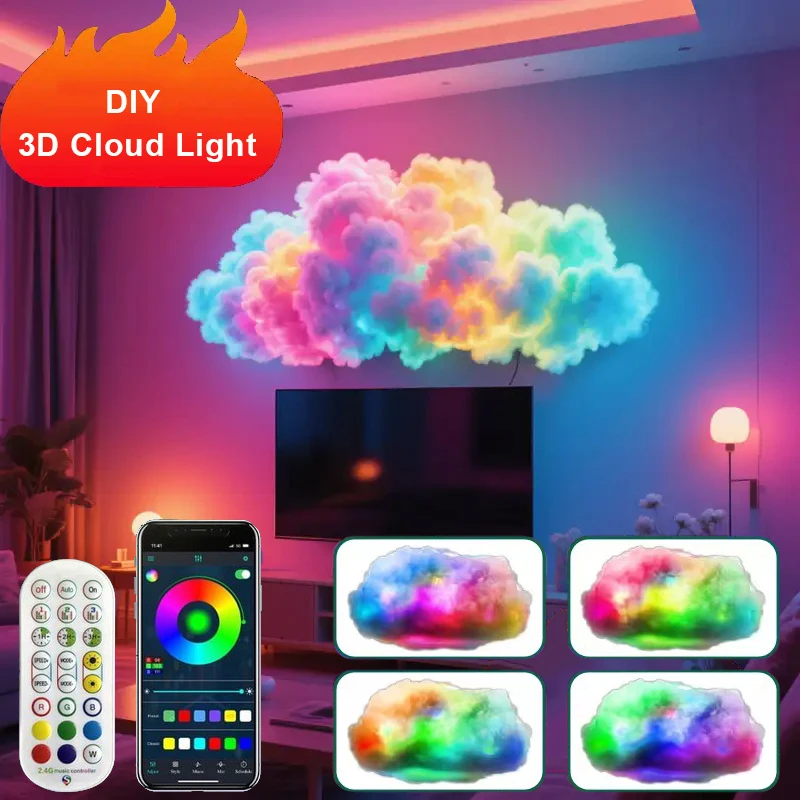
Features:
[Adjustable Cloud Light]: LED light strips with self-adhesive tape can firmly adhere to any dry and smooth surface for DIY installation.
[3D Thundercloud Light]: LED light bar flashes in accordance with the built-in sensitivity adjustable microphone to dance to the ambient sound.
[Multicolor Lightning Light]: Lightning and thunder effects with adjustable brightness and multiple lighting modes to fit room mood.
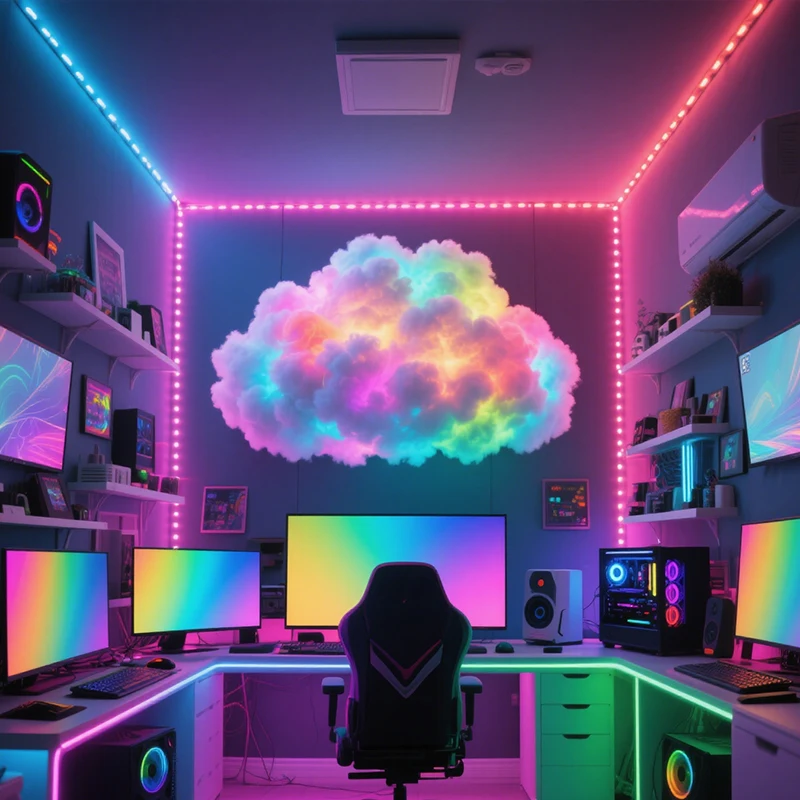
[Luxurious DIY Atmosphere]: LED light bar creates a violent thundercloud feeling with a wealth of DIY accessories for bedroom, ceiling, kitchen, stairs parties, weddings, windows, living room, parties, back of TV, and bar.
[Easy to Use Remote]: Remote control allows you to adjust the brightness and select lighting modes for a customized atmosphere.
Installation Steps
Step 1: Prepare the Aluminum Foil Fiberglass Cloth
Cut the aluminum foil fiberglass cloth to the desired size and shape based on customer requirements.
Step 2: Attach the LED Strip
Peel off the double-sided tape backing from the LED strip.
Firmly press the LED strip onto the aluminum foil fiberglass cloth.
Important Notes:
If changing the direction of the LED strip, do not fold it. Gently bend the strip to avoid damaging the internal circuits.
Step 3: Secure the Polyester Fiber
Open the polyester fiber packaging and take out an appropriate amount.
Apply adhesive glue evenly onto one side of the polyester fiber.
Press the glued side firmly onto the aluminum foil fiberglass cloth for at least 10 seconds to ensure adhesion.
Warning:
Insufficient pressing time (less than 10 seconds) will result in poor fixation.
Step 4: Connect the Controller
Connect the LED strip to the controller.
Plug the controller into a 5V USB power source.
Step 5: Pair with the App
Download and install the app from your device's app store.
Follow the in-app instructions to pair and control the LED strip.